How staff use Shopfloor without a Shopify account
Add the person to your Shopfloor roster and press Give access. You get an 8-character code that works once and expires after 14 days. They type it into a web page on their phone and see the work assigned to them. They never get a Shopify login, so they don’t use one of your Shopify plan’s staff accounts.
Giving someone access, step by step
- In Shopfloor, open Staff.
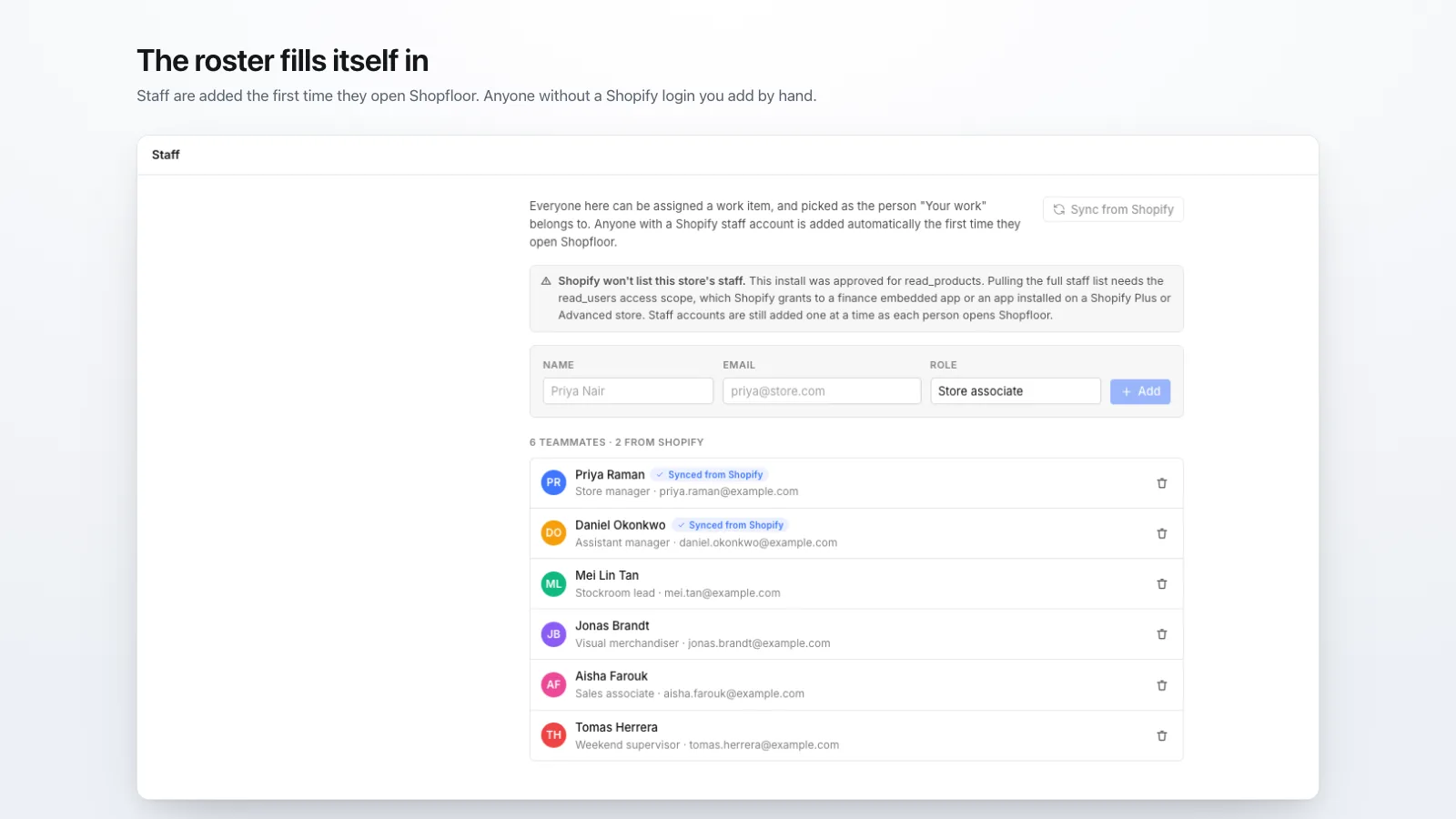
- Add the person with their name, email and role. Shopfloor doesn’t email them; the email only identifies them on your roster.
- Press Give access next to their name. Shopfloor shows an 8-character code and a link with the code built in.
- Give them the code or the link, in person, by text message, or however you normally reach them.
- They open the link, or open the sign-in page and type the code. That’s it.
What staff see on their phone
A list of the work assigned to them, across every project, with due dates and overdue items marked. From there they can:
- move their own items between Todo, In Progress and Done,
- claim an item that nobody has taken,
- comment on an item.
They can’t change items assigned to someone else, add or remove staff, edit projects, or see billing. Moving work to Backlog or Cancelled stays with whoever runs the board, because deciding that a job shouldn’t happen is a manager’s call.
How long access lasts
- The code works once and expires 14 days after it’s created. If it’s lost or expired, press New code.
- The phone stays signed in as long as it keeps being used. A phone left unused for 60 days is signed out.
- Remove access on the Staff page signs the person out of every phone on its next request. Their name stays on the work they did.
How the codes are kept safe
Codes are 8 characters drawn from a 32-character alphabet, which gives about 1.1 trillion possible codes. Each one works once and expires, and repeated wrong guesses on the sign-in page are rate-limited. A signed-in phone can only read and update that one store’s work.
When this isn’t the right fit
If your staff need to edit products, process orders or change settings, they need real Shopify staff accounts, and that means a plan with enough of them. Shopfloor only covers the task list. It also has no native app and no notifications, so staff see new work when they open the page, not when it’s assigned.
Shopfloor is $12 a month for unlimited staff, after a 14-day free trial.
Install from the Shopify App Store